

What is a Page Builder?
A page builder is a tool—usually a plugin, theme or feature within a content management system like WordPress—that allows users to design and build web pages visually with less need to write code.
Instead of working directly with HTML, CSS, JS, or PHP, users can drag and drop elements (like text, links, images, buttons, or sections) into place using a visual interface. Page builders simplify the process of creating custom layouts and help users build professional-looking websites faster.
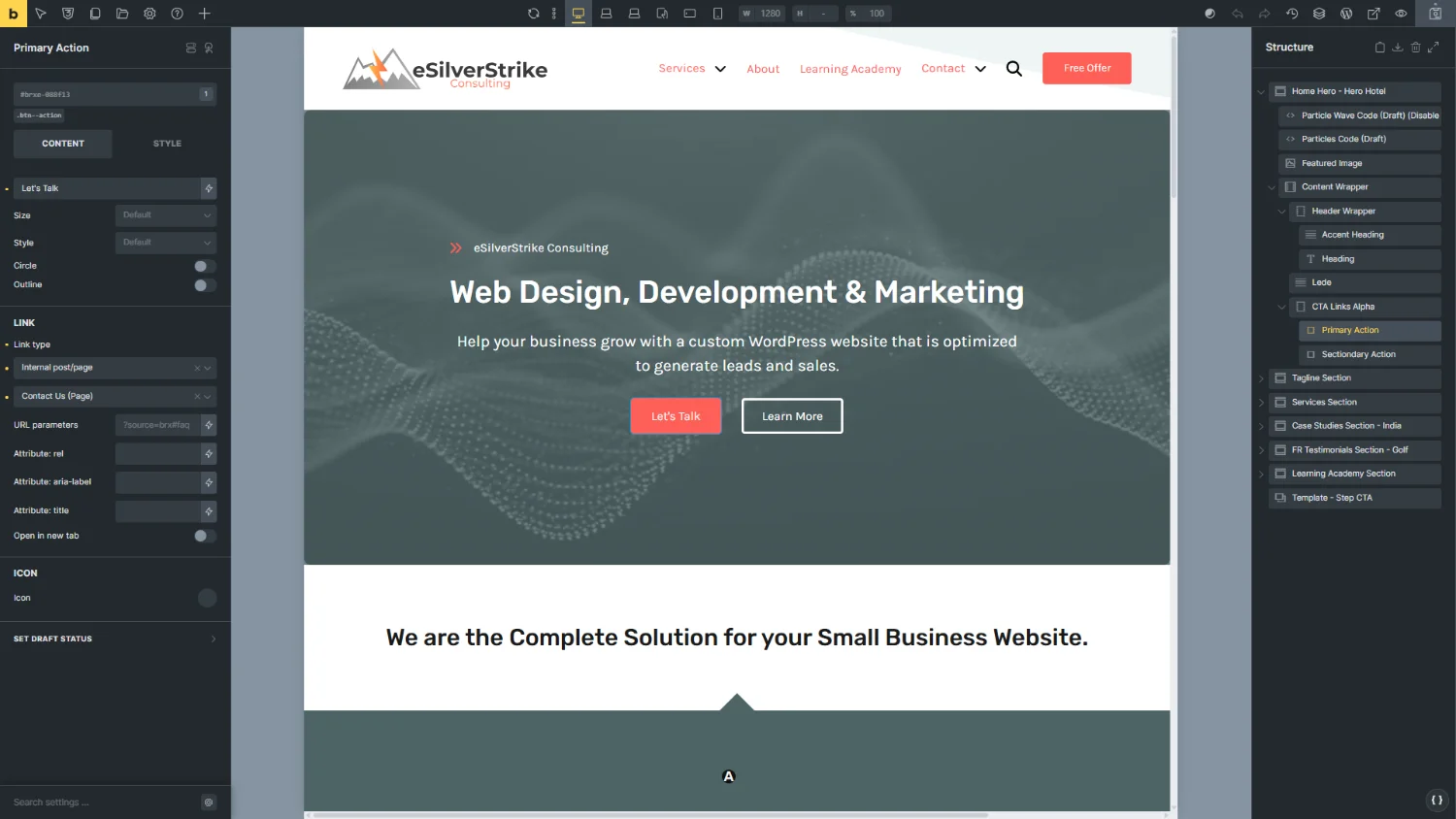
In WordPress, page builders often include:
- Pre-designed templates for pages and sections
- Styling of elements on a page via a user interface or by adding code to create a cohesive design across the entire website
- Widgets / Blocks / Elements / Modules (names for these type of elements depend on the builder) like contact forms, tabs, sliders, pricing tables, etc.
- Responsive controls for editing mobile, tablet, and desktop views
- Live editing to preview changes instantly
- Integration with themes and plugins for extended functionality
What makes a Page Builder Good?
First of all, a page builder is only a small part of what makes the final delivered website to a client, a good product.
To create a website that meets the goals of a typical service based business that is scaleable and maintainable, requires an expertise in not only marketing to the businesses target audiences but also optimizing for ranking on search engines. To look professional, websites also need to be styled in a consistent and pleasing way and be responsive to screen sizes of different devices.
Websites must meet legal requirements including those for accessibility which for most countries, requires meeting a minimum version and specific level of the Web Content Accessibility Guidelines (WCAG).
The fundamentals of how to build a website is tied to all these points, which a page builder on it’s own does not solve. A page builder cannot replace the expertise required. It is a tool in the hands of a professional web developer that aids in the building of the website.
Many website builders and page builders advertise ease of use and no-code knowledge required. These companies are mis-leading the masses making them think that building a website is easy and anyone can do it. If a business wants their website to achieve it’s goals and attract new customers and clients, this is the furthest thing from the truth!
Businesses who go it alone and build their own websites or hire a web designer based on the lowest price who doesn’t have the expertise will get a website, but it will not follow best practices, attract quality traffic, and will have low conversion rates.
The basic requirements for a page builder that will help the web designer and developer succeed include:
- Class First Workflow
Refers to a development approach where you style your HTML primarily using predefined CSS classes (utility or component), rather than writing custom styles for each individual element (IDs, tag selectors, or one-off class definitions). This helps with design consistency, reusability, and maintainability. - Unified Naming Conventions
Keep to the fundamentals of web design the same to improve data liberation, easier for users to adopt new tools and reduce learning curves. - Access to all HTML elements
For example in some page builders adding an element like a heading tag (H1) may also result in the page builder adding 1 or more other elements that wrap it. These wrapper elements are not displayed in the structure panel of the page builder and can affect performance and make styling more difficult.
Not All Page Builders are Created Equal
Choosing a WordPress page builder is an important step in creating a professional, effective website. Each builder offers a different experience, strengths, and limitations. Below, we’ll explore the most popular options along with their pros and cons. We will also give you are our take on each and if we recommend it.
Our take isn’t just about flashy design — it’s about scalability, performance, clean code, flexibility, and how well the tool integrates with modern workflows and best practices. A good builder should enhance the design and development process.
Remember, a professional web designer is the expert and has many years of experience in not only building websites but the marketing behind them. There is a lot of knowledge that goes into planning, building, and maintaining a website.
With some of these tools a non-professional may put together a website that may look at first glance to be passible but when it is launched, no one will visit it. A professional knows how to plan and build a website that will attract the target audiences and then convert them into paying customers. The website will be designed to achieve the goals of the business.
Popular Page Builders Compared
Elementor
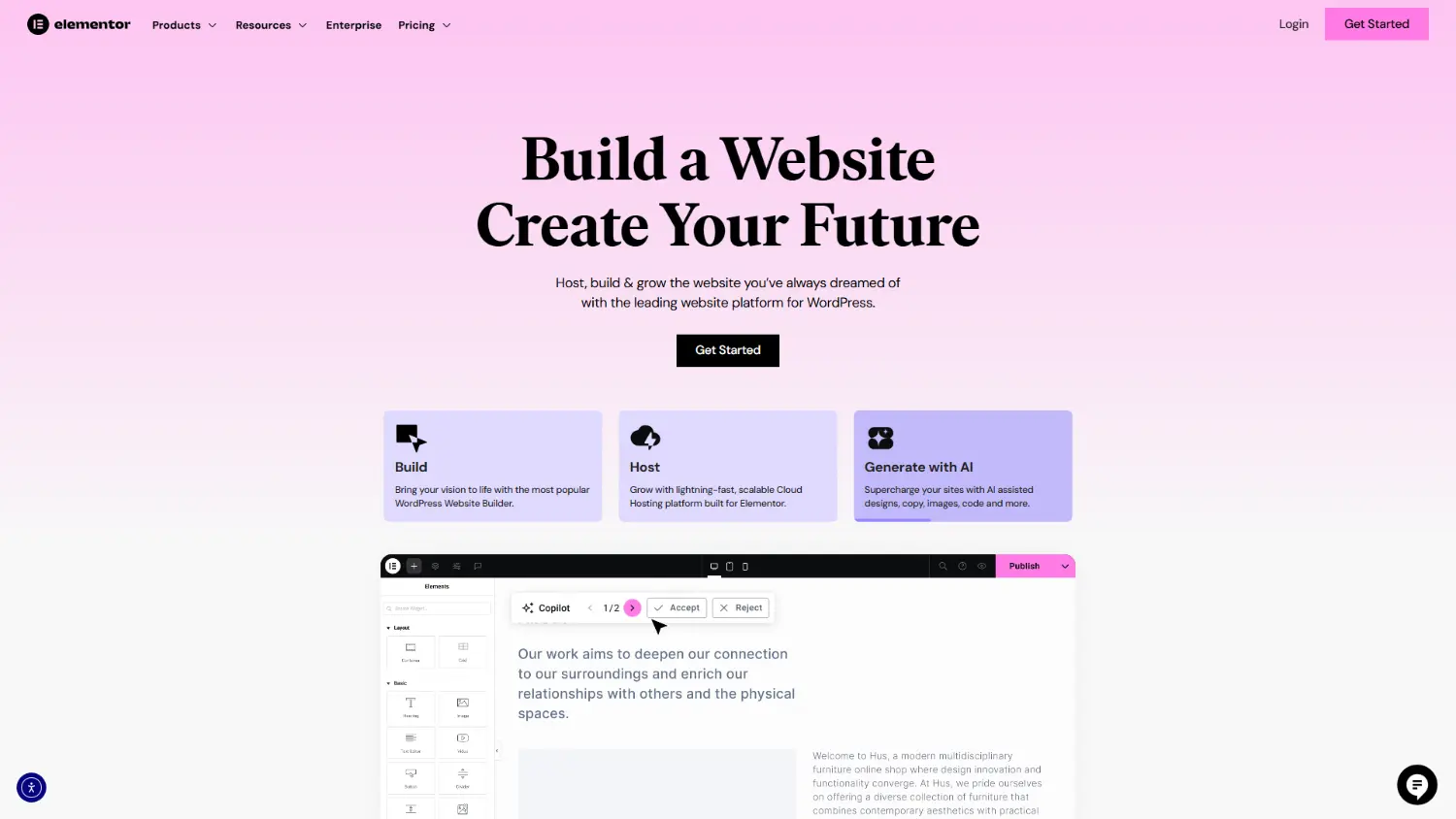
Elementor is one of the most popular page builders thanks to its powerful drag-and-drop editor and wide feature set. It offers a huge library of templates, widgets, and add-ons that make it easy to build almost any type of website without writing code.
With Elementor’s free version you can create basic websites, while the Pro version adds more widgets, dynamic data, forms, popups, advanced styling, and integrations with tools like WooCommerce.
Pros:
- The most popular page builder
- A large community that offers support and tutorials
- Massive template and widget library
- Common features like a drag-and-drop editor and a user interface for properties
- Responsive controls for mobile and tablet design
- Free version that allows you to create a basic website
Cons:
- Doesn’t follow a class first workflow
- Many Widgets fail to meet Accessibility requirements
- Uses an alternative naming scheme for some HTML elements and CSS properties that can create confusion
- Harder to maintain websites since there is no support for reusable components and it’s promoted workflow of copy and paste styling
- Bloated code output that creates a slow website and makes it difficult to make the website accessible
- Paid subscription pricing has increased drastically over the last few years
- Some plugin/theme conflicts after major updates
- Learning curve for mastering advanced functions
Our Take
Elementor launched back in 2016. It has become extremely popular due to it’s easy of use for people who do not know how to code a website and do-it-yourself businesses. In fact it’s by far the most popular page builder on the market.
While Elementor may look like an ideal choice for building a website, to a professional it is not. It’s bloated code, slow performance and lack of scalability and maintainability can make on going work with a website built with it a real chore.
Websites that use Elementor fail many common accessibility requirements. Elementor does not offer a way to easily fix these issues which leads to poor user experience and possible legal problems down the road for the business.
Beaver Builder
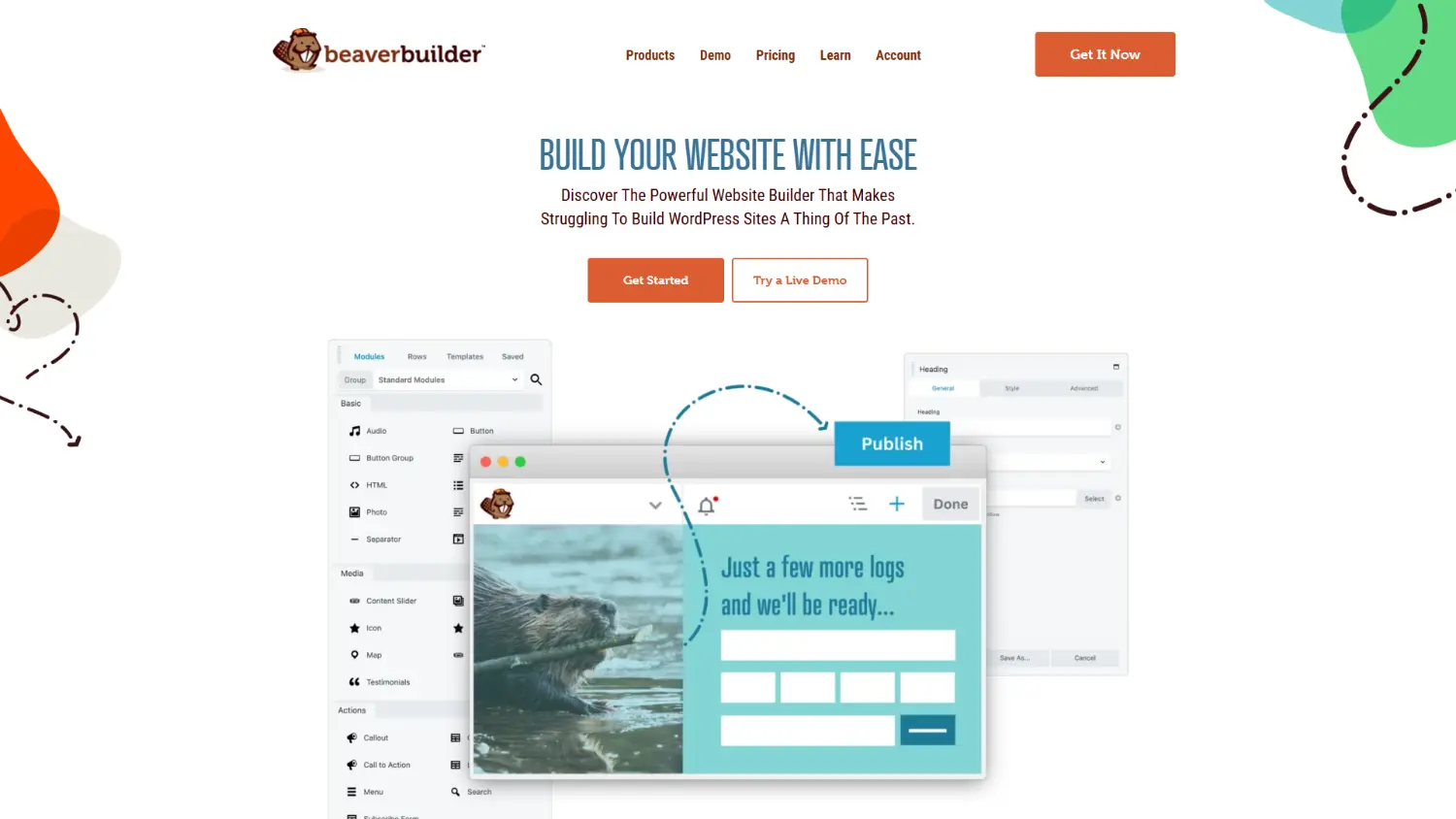
Beaver Builder was launched in 2014 and is known for its reliability. It’s a front-end visual builder that emphasizes stability and compatibility.
Beaver Builder is popular with the do it yourself and amateur web designers because of it’s simple UI and drag and drop functionality. Basic to intermediate websites can be created but they are difficult to make accessible and easier to use for those with disabilities. Designers that need cutting-edge tools or deep customization might find Beaver Builder underwhelming.
It may not have as many flashy design features as competitors, but with its a no-shortcode-lock-in philosophy, means your content stays clean if you ever want to deactivate the builder.
Pros:
- Very stable
- No shortcode lock-in means you can uninstall the builder
- Works with almost any WordPress theme
- Fast and simple interface
Cons:
- Doesn’t follow a class first workflow
- Many modules fail to meet Accessibility requirements
- Uses an alternative naming scheme for some HTML elements and CSS properties that can create confusion
- Harder to maintain websites since there is no support for reusable components and it’s promoted workflow of copy and paste styling
- Smaller selection of design elements and templates
- Has a less modern user interface for the builder
- Higher cost for full-feature access compared to others
Our Take
Beaver Builder tends to move conservatively, often trailing behind other builders in adopting modern design trends or integrating advanced features like dynamic content and components. While this cautious approach may ensure stability, it can make the tool feel stagnant for users who crave innovation or are working on complex, modern websites.
Divi Builder (by Elegant Themes)
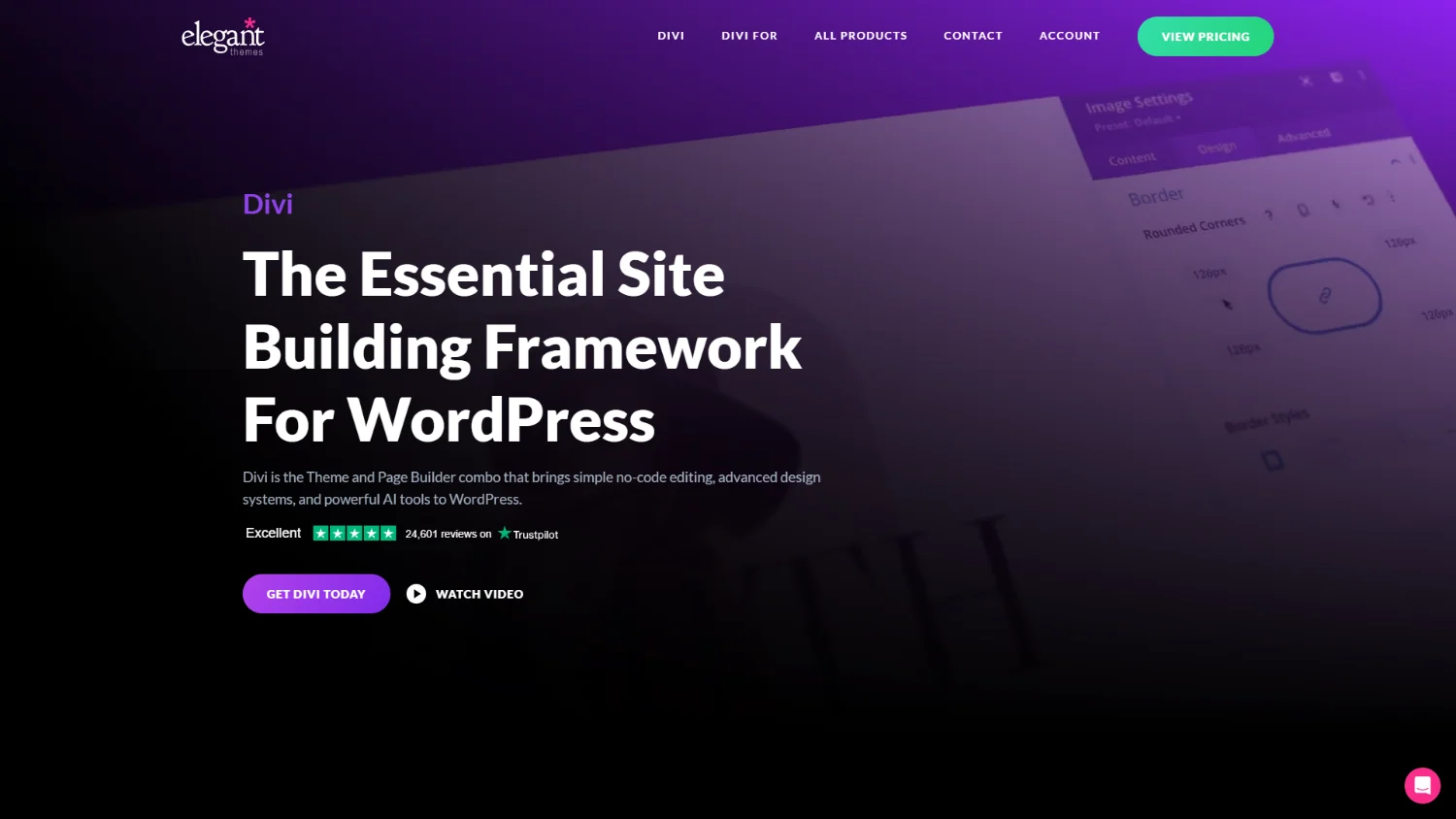
Divi is a highly customizable visual builder packed with templates, global settings, and built-in marketing tools like A/B testing. It is developed by Elegant Themes and was first released in 2013. It quickly became one of the most popular WordPress themes and visual page builders on the market. Created as part of a larger suite of tools offered by Elegant Themes, Divi was a major step forward at the time in empowering non-developers to design custom websites without writing code.
Divi can be heavy on performance if you don’t take the time to optimize carefully. It also has accessibility issues which are difficult to fix due to bloated code and the ability to access the code directly to fix it.
Pros:
- Highly customizable styling with visual editing
- Hundreds of layout packs and design templates
- Built-in split testing (A/B testing) features
- One-time lifetime purchase option
- Strong marketing and conversion tools
Cons:
- Doesn’t follow a class first workflow
- Many blocks fail to meet Accessibility requirements
- Uses an alternative naming scheme for some HTML elements and CSS properties that can create confusion
- Harder to maintain websites since there is no support for reusable components and it’s promoted workflow of copy and paste styling
- Requires a large time investment to learn the platform
- Bloated code output that creates a slow website and makes it difficult to make the website accessible
- Requires Elegant Themes membership for updates
Our Take
Divi like most of the other page builders in this article, markets itself as a visual builder ideal for those with no coding experience. Just like many of the SaaS businesses from our article on Website Builder Platforms, they advertise easy to build websites which makes businesses that do not know any better, think anyone can do it. These businesses believe they can save money, if they just invest a little time. This is opposite of the real truth, and in fact means lost opportunity cost which is far greater.
There are many things required to make successful website that not only attracts quality traffic but converts those visitors into customers. It takes a true expert with many years of experience in web design and development to put all those pieces together to make a professional website
WPBakery Page Builder
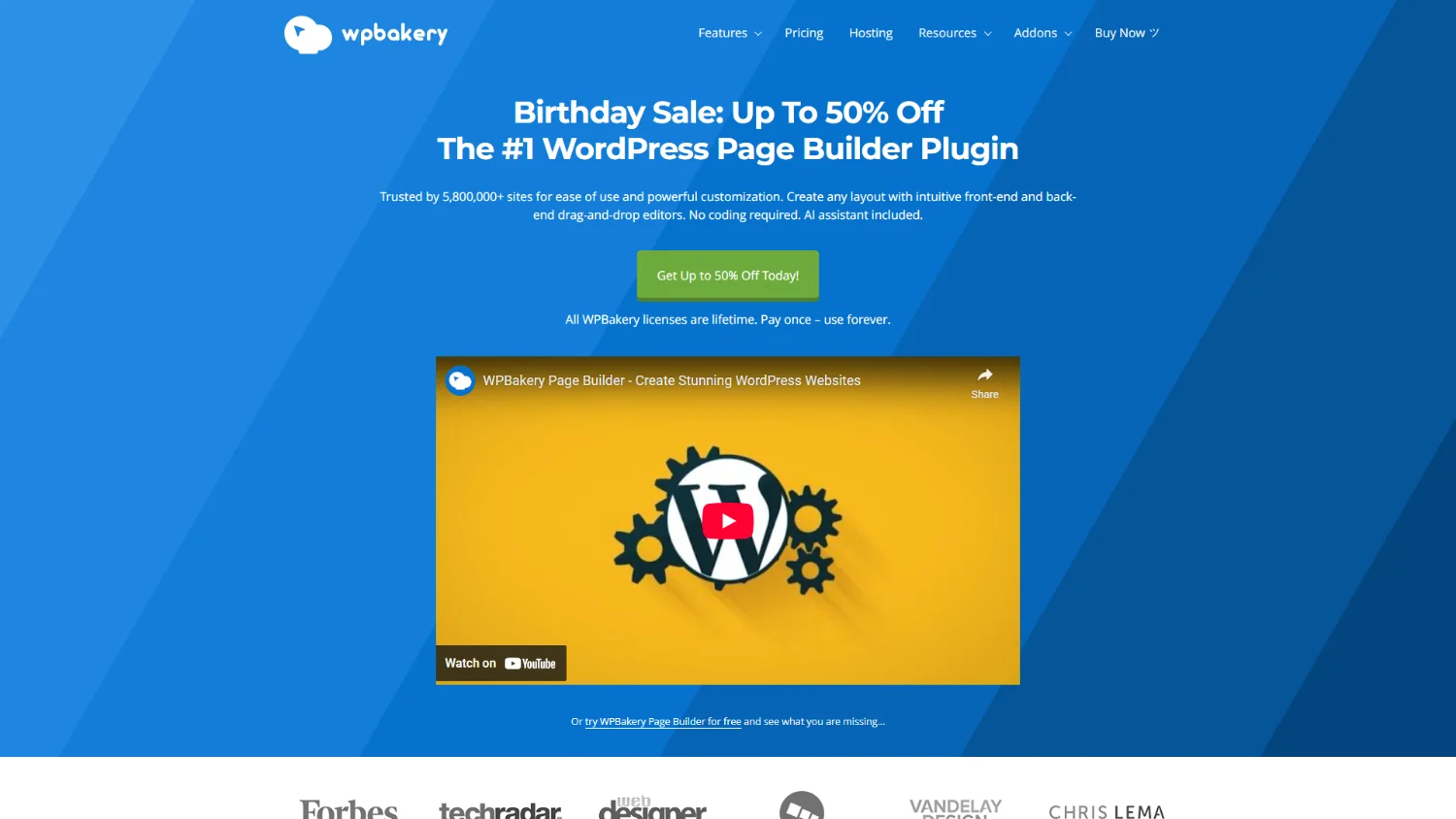
WPBakery, originally launched as Visual Composer, was one of the first WordPress page builders to gain mainstream popularity. The plugin was designed to simplify content creation for WordPress users by introducing a drag-and-drop interface. Released in 2011, it quickly became a go-to solution for non-developers and theme developers alike, particularly because it was bundled with many best-selling premium themes on marketplaces like ThemeForest. This bundling strategy helped it achieve massive distribution and brand recognition, becoming almost ubiquitous in WordPress sites during its peak.
However, it now feels outdated compared to newer modern builders that were able to take the lessons of older page builders and improve on them.
Pros:
- Included with many premium WordPress themes
- Front-end and back-end editor options
- Wide range of design modules and addons
- Works with WooCommerce and other popular plugins
Cons:
- Doesn’t follow a class first workflow
- Many elements fail to meet Accessibility requirements
- Uses an alternative naming scheme for some HTML elements and CSS properties that can create confusion
- Harder to maintain websites since there is no support for reusable components and it’s promoted workflow of copy and paste styling
- Bloated code that can create accessibility problems and slow loading pages
- Dated interface and experience
- Add-ons often required for advanced functionality
Our Take
WPBakery is stuck in the past. As one of the first page builders from a decade and a half ago it has a lot of technical debt which makes modernizing how it functions and its code output difficult to update without making older websites incompatible.
Gutenberg (WordPress Block Editor)
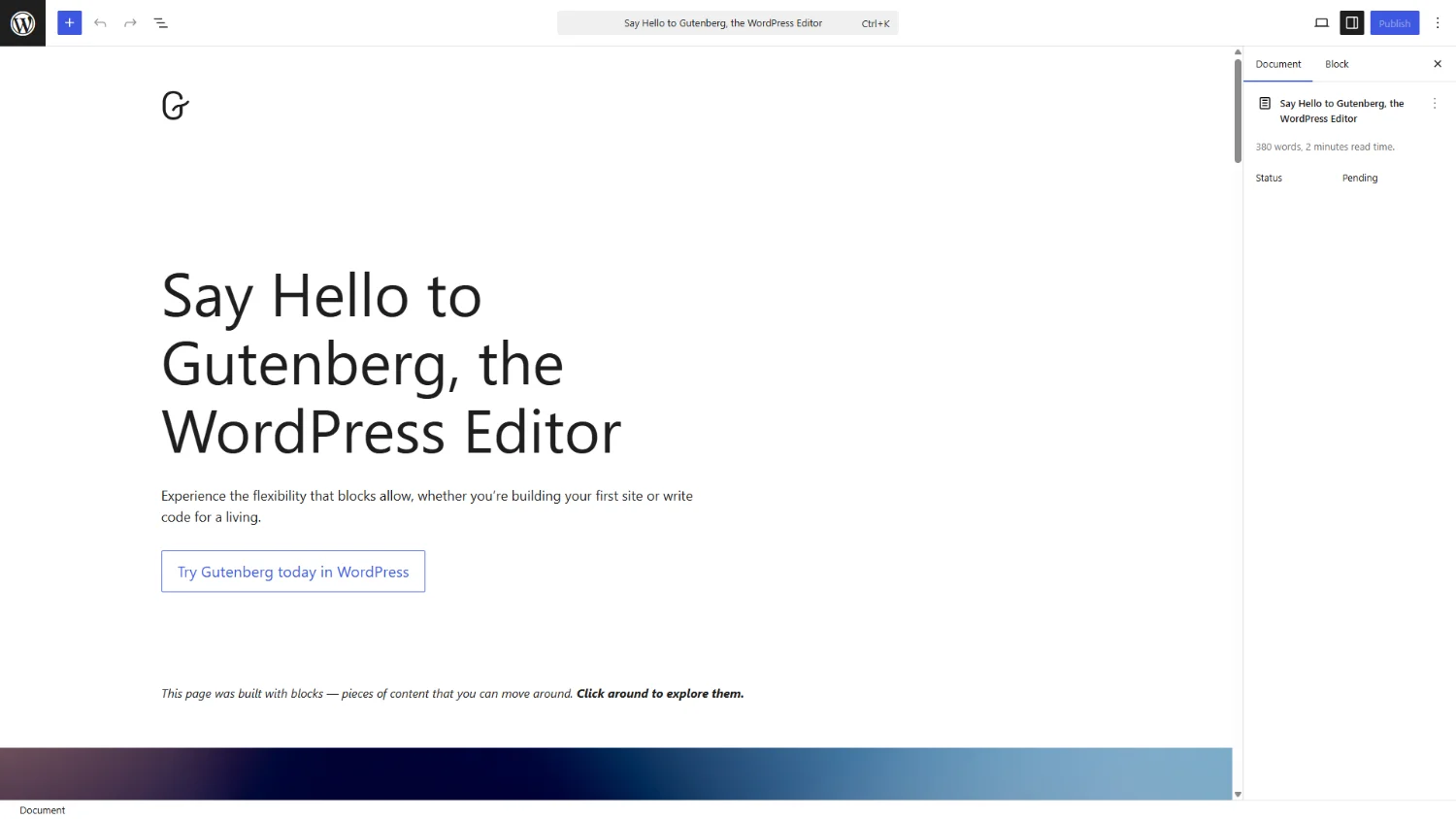
Gutenberg was officially introduced in December 2018 as part of WordPress 5.0, marking one of the most significant shifts in the platform’s history. Named after Johannes Gutenberg, the inventor of the printing press, the editor was designed to replace the classic TinyMCE editor with a modern, block-based editing experience. The goal was to make content creation more visual, modular, and intuitive—especially for users without coding skills. Development of Gutenberg began years earlier under the leadership of Matt Mullenweg and the WordPress core team, as part of a broader effort to future-proof the platform and compete with visual site builders that were rapidly gaining popularity.
The initial release of Gutenberg was met with considerable controversy and resistance from the community. Many users and developers felt it was rolled out too early, lacking polish and missing critical features found in mature page builders. Over time, however, the editor has steadily improved through ongoing updates, expanding its capabilities with reusable blocks, block patterns, and full site editing (FSE). While it remains a work in progress, Gutenberg has become deeply integrated into the WordPress ecosystem, shaping the future of theme and site design with a more unified and standardized approach to content creation and layout management.
Pros:
- Native to WordPress (no extra plugin needed)
- Growing ecosystem of blocks and patterns
- Improved regularly by the WordPress core team
- Good for basic to moderately complex posts
Cons:
- Doesn’t follow a class first workflow unless third party add-ons like Generate Blocks are used
- Uses an alternative naming scheme for some HTML elements and CSS properties that can create confusion
- Harder to maintain websites since reusable components have limited functionality and key features like dynamic data and responsive controls are missing unless you install third party add-ons
- Limited design controls
- Requires some technical know-how for complex layouts
- The majority of web designers who use Gutenberg to build pages (not just blog posts) find they need to install extra plugins to add the functionality that doesn’t come withe the Gutenberg core experience
Our Take
Gutenberg was a bold move toward modernizing content creation within WordPress. While the block-based system offers modularity and a more visual editing experience, it still lacks the polish and depth found in third party page builders. The interface feels clunky and inconsistent, especially when trying to build complex layouts or customize styling without third-party plugins.
Customization beyond basic layouts often requires in-depth CSS knowledge, additional plugins, or the ability to know how to code custom blocks, undermining its goal of empowering non-technical users. It’s inconsistent UI, limited functionality, and WordPress’s core decision makers refusing to listen to community feature requests, makes this tool a poor choice for a page builder.
Gutenberg does excel at making simple blog posts making it is a good replacement for the original WordPress editor.
Bricks Builder
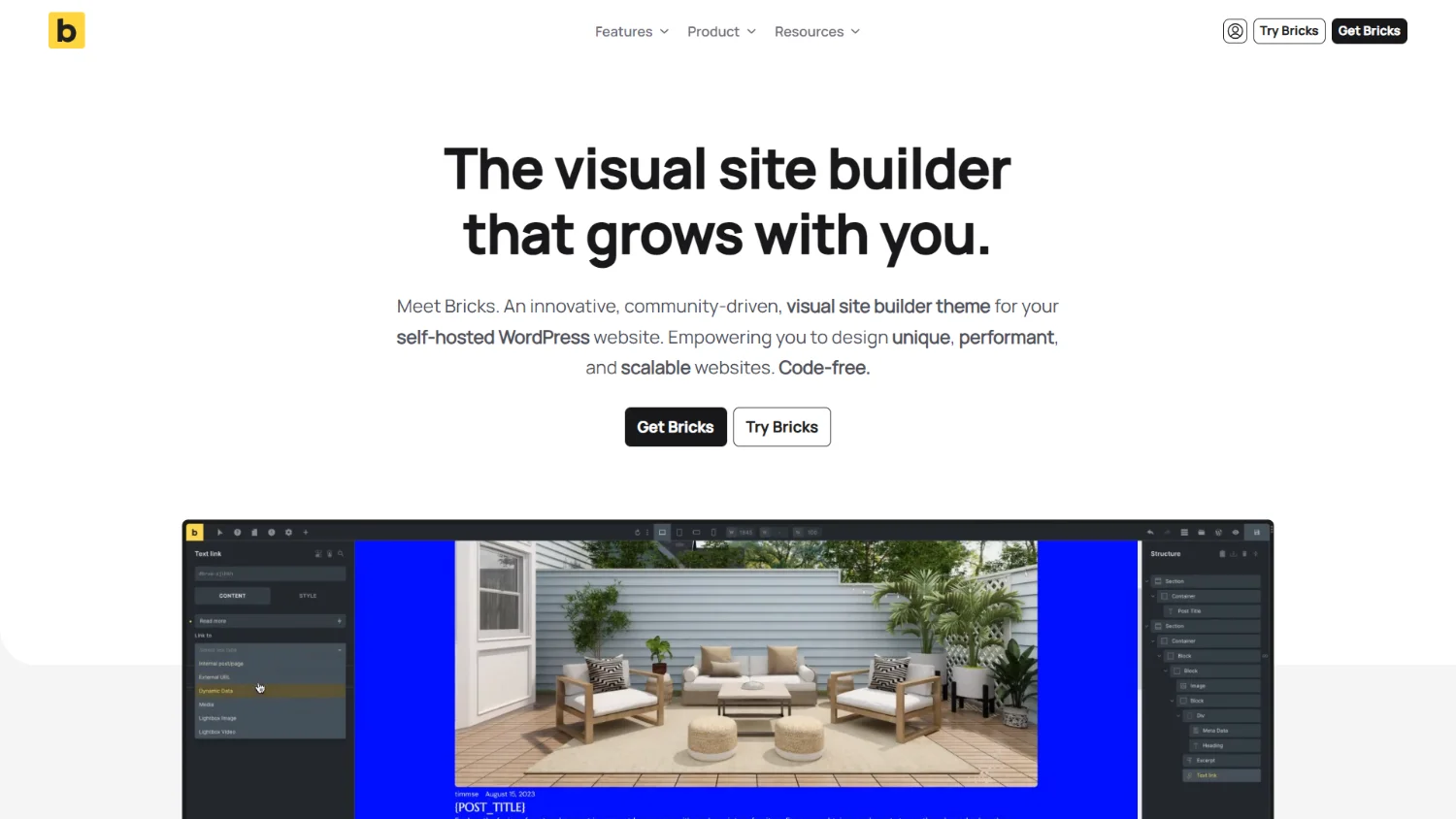
Bricks Builder is a newer but increasingly popular page builder aimed at delivering high performance and full design flexibility. Unlike some older builders, Bricks focuses heavily on clean code output, speed, and developer-friendly features like dynamic data integration, custom fields, and templating.
Bricks is a theme and builder in one, meaning you don’t need a separate theme + builder plugin combination. It’s incredibly lightweight, optimized for speed, and appeals to power users who want a modern workflow. It also offers a lifetime license, making it an affordable long-term investment.
Pros:
- Class first workflow
- Unified naming conventions, for the most part Bricks keeps the same names for HTML elements and CSS properties
- The majority of elements are accessible
- Greater access to the HTML structure of the website making custom styling simpler
- Easier to build scalable and maintainable websites with the use of components and classes
- Extremely fast and lightweight output
- Works well with ACF, MetaBox, Pods, and other advanced dynamic data tools
- Developer-friendly (custom CSS, JavaScript, and PHP snippets)
- Lifetime pricing available
Cons:
- Still relatively new (smaller ecosystem compared to Elementor or Divi)
- Components are not perfect and still needs improvements
- UI still needs tweaking and requires add-ons to fix
Our Take
Bricks is an exceptional page builder for professional web designers. While it is not perfect and requires some add-ons like AutomaticCSS and Advanced Themer to provide a CSS framework, improve the UI, and workflow tweaks, it is our current choice to use for website development.
It’s class first workflow and the ability to create and access the majority of the website structure makes it ideal for building custom websites that are accessible, have consistent design, are easier to maintain, and scale when the client wants to add more pages and features.
Etch (not yet released)
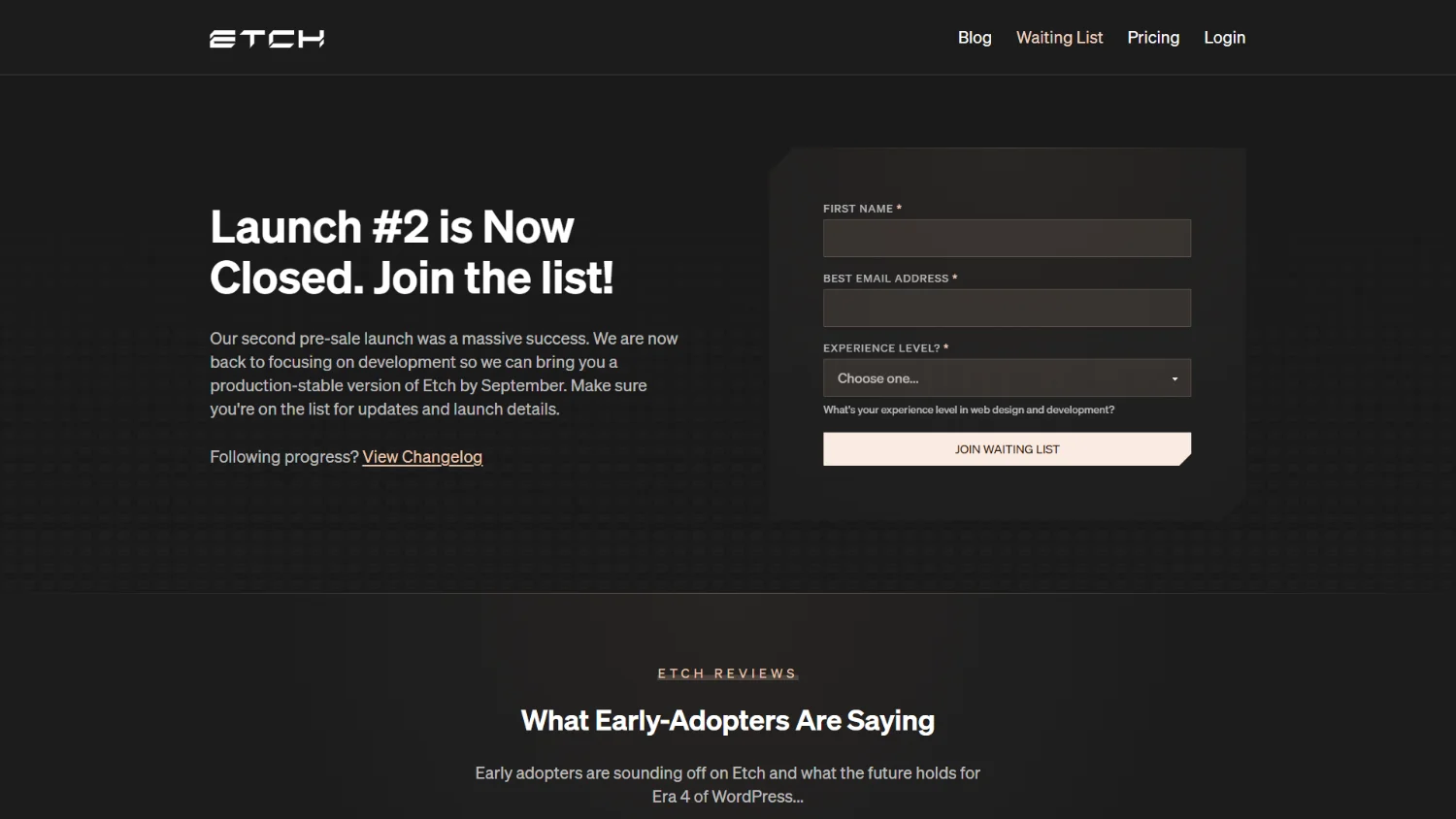
Etch is a new visual builder currently being developed with the aim of getting rid of WordPress’s magic areas and unifying WordPress tools into one user interface. It combines Kevin Geary’s and his teams years of experience in building websites on WordPress into a product that will streamline and improve the workflow of building websites.
Pros:
- Class first workflow
- Unified naming conventions. The same names for HTML elements and CSS properties are kept
- Elements are accessible
- Complete access to the HTML structure of the website making custom styling simpler
- Easier to build scalable and maintainable websites with the use of components and classes
- Extremely fast and lightweight output
- Fully supports dynamic data with it’s own integrated solution. Plus it works well with ACF and MetaBox tools
- Developer-friendly (custom CSS, JavaScript, and PHP snippets)
Cons:
- Not yet released…
Our Take
Early builds of Etch show great promise that it will live up to all the hype and includes many innovative features. The first public release is aimed for September 2025 which will allow for at a minimum brochure websites to be created using best practices.
We are really excited for this new product which promises to fix all the mistakes of previous builders and improve on the workflow of web developers.
Final Thoughts
No page builder removes the requirement that the person building the website needs fundamental knowledge in marketing, copy writing, accessibility, designing, and the technical know how of building a website.
A select few of the page builders above can help the professional (who is an expert in his field and follows best practices) speed up his workflow and produce the desired output faster while making it easier to maintain and able to scale in the future.
- Bricks Builder is our top choice. It gives you speed, modern development practices, and almost full control of the site.
- Etch is still in development but shows excellent promise. From the beginning it was developed for the professional in mind.
A page builder in an amateurs hands may get them a website that on the surface may look nice but be broken in so many other ways that the business goals of the website (which in most cases is to attract traffic and convert it to customers) will never be achieved.
